INSIGHTS & RESOURCES
Practical guides, design tips and real-world insights on custom cable assemblies, wire harnesses and connectivity.
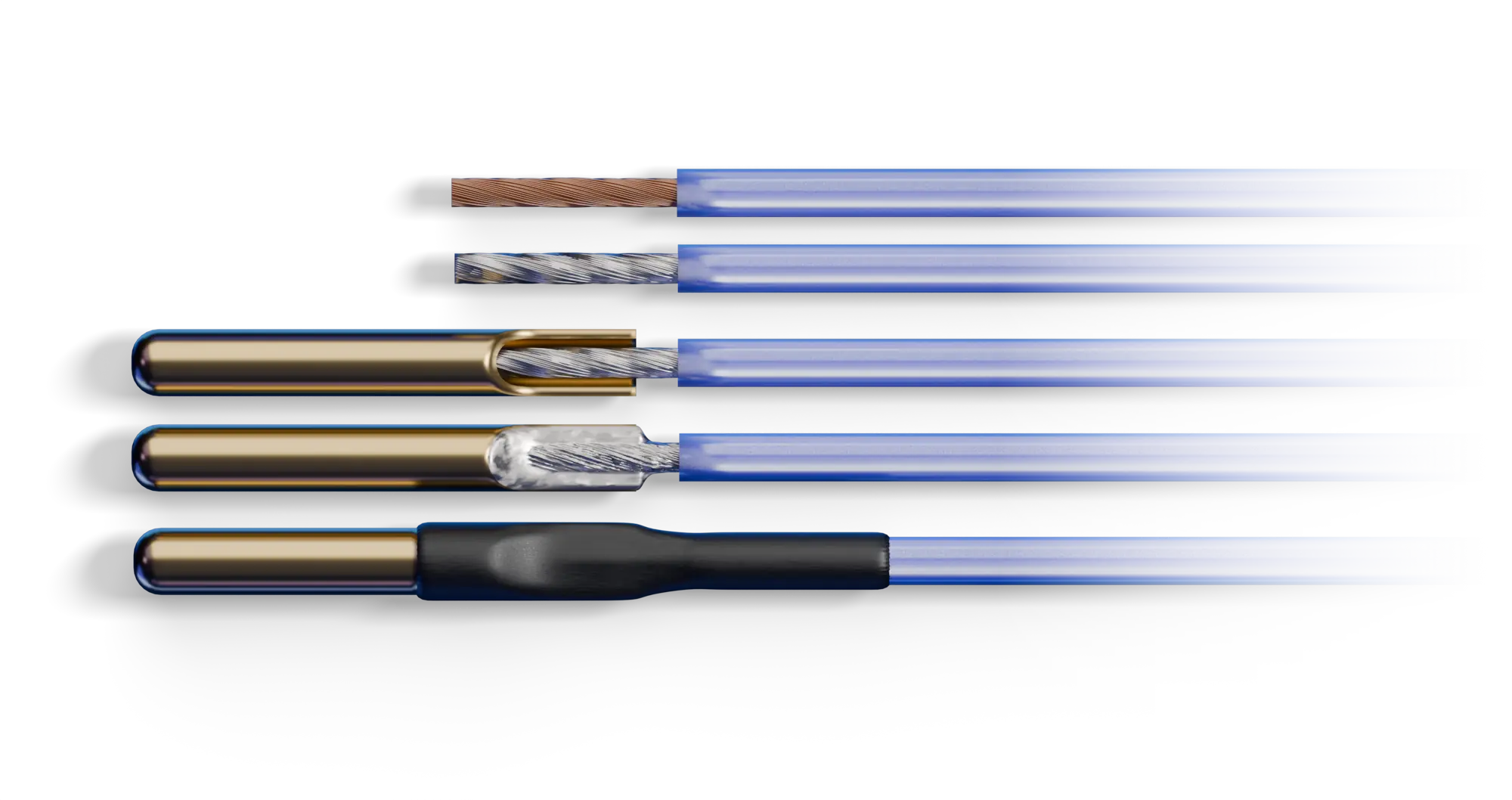
Leaded vs Lead-Free Solder: the Short Answer Measured on reliability, tin-lead solder is still the better alloy. In the NASA-DoD Lead-Free Electronics Project, one of the largest comparative test programs of its kind, tin-lead joints generally outlasted their lead-free counterparts in high-stress environments across 6,755 components, and lead-free held its own only in gentler conditions, steady temperatures, little vibration or shock [10]. The reason why lead-free solder nevertheless dominates the market today compared to leaded solder is more health-related than technical, because when the EU’s RoHS Directive restricted the lead content
A custom cable assembly passes through three stages: design, manufacture, and test. On most production lines those stages run on three separate sets of data: a schematic, a set of build notes, and a test
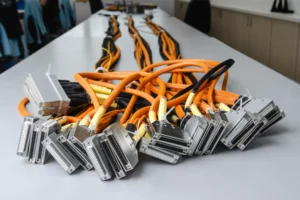
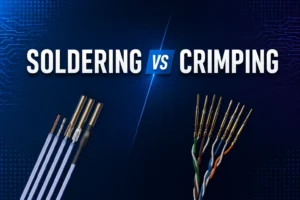
Wire Termination Methods — Crimping and Soldering Crimping is the controlled mechanical compression of a contact barrel around a conductor to create a permanent electrical and mechanical termination [3][4]. NASA defines soldering as “the process
Get practical cable design insights, tips, and updates to your inbox.
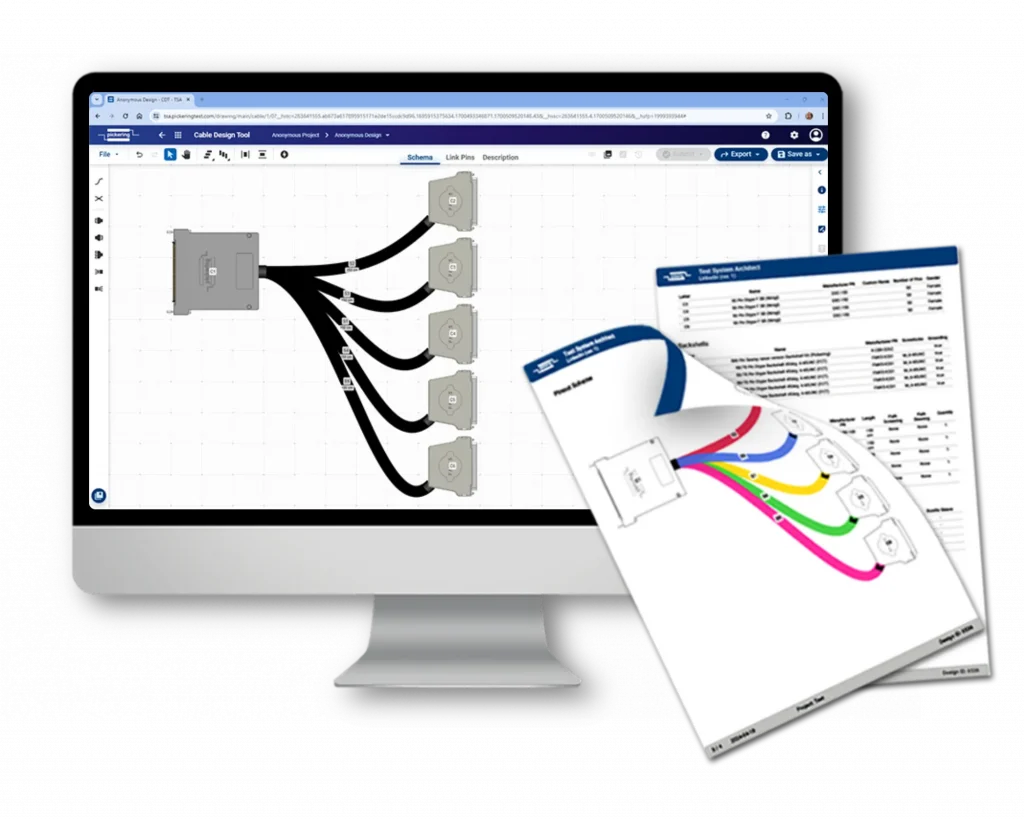
CABLE ASSEMBLY DESIGN
Design with ease using our Cable Design Tool, and we’ll bring your cable assemblies to life.
OUR PROCESS
At Pickering Connect, we make custom cable assembly easy and efficient. Our streamlined process ensures that your project runs smoothly from design to delivery. Here’s a step-by-step guide on how it works:
Use our intuitive Cable Design Tool to easily draw your design. If you get stuck at any phase of the project, simply reach out to our technicians using the built-in chat for assistance.
Once your design is complete, our technicians will review your project and provide feedback to improve manufacturability, performance, and cost-efficiency.
After you approve the project, we will manufacture the cable and ship it to you, anywhere in the world.

Do you already have a design drawing and don’t feel like redrawing it? Simply send it over, and we’ll handle the rest.
* Please note that additional charges may apply.