INSIGHTS & RESOURCES
Practical guides, design tips and real-world insights on custom cable assemblies, wire harnesses and connectivity.
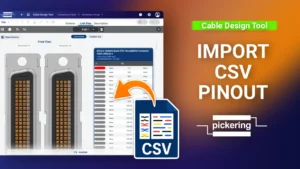
Cable Design Tool Tutorial The Cable Design Tool lets you import a complete pinout from a CSV file instead of linking every pin by hand. For cable assemblies with a large number of conductors, this is the faster and safer route: you build the pinout in a spreadsheet and bring it in all at once. This guide covers the full workflow, from exporting a template CSV to importing pinouts for twisted pair cables. Step 1 Make sure the basics are in place Before using the CSV import, you’ll need the cable
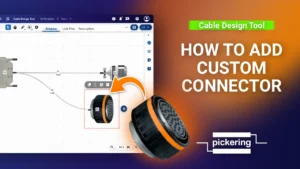
Cable Design Tool Tutorial The Cable Design Tool lets you add custom connectors directly in your design when the part you need isn’t in the library. This guide covers the full process, from creating the
Get practical cable design insights, tips, and updates to your inbox.
CABLE ASSEMBLY DESIGN
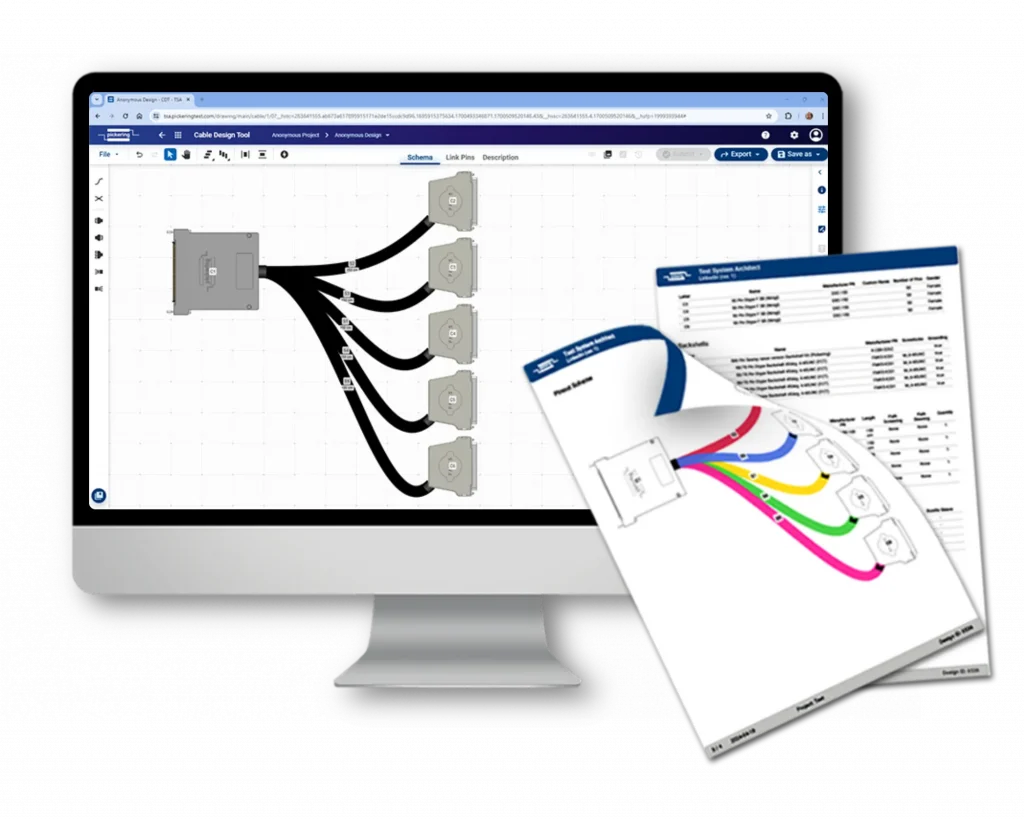
Design with ease using our Cable Design Tool, and we’ll bring your cable assemblies to life.
OUR PROCESS
At Pickering Connect, we make custom cable assembly easy and efficient. Our streamlined process ensures that your project runs smoothly from design to delivery. Here’s a step-by-step guide on how it works:
Use our intuitive Cable Design Tool to easily draw your design. If you get stuck at any phase of the project, simply reach out to our technicians using the built-in chat for assistance.
Once your design is complete, our technicians will review your project and provide feedback to improve manufacturability, performance, and cost-efficiency.
After you approve the project, we will manufacture the cable and ship it to you, anywhere in the world.

Do you already have a design drawing and don’t feel like redrawing it? Simply send it over, and we’ll handle the rest.
* Please note that additional charges may apply.